
Division 2 Modifiers Unlock

Complete Division 2 Modifiers Unlock Service Guide

Division 2 Modifiers Unlock for Division 2 24/7 support. Fast delivery and 24/7 live chat support.

Service background
Service background
Fast DeliverySafe ServiceProfessional Team
Division 2 Modifiers Unlock
10-15 min
Estimated Start Time
SSL SecureVPN, Safe BoostSafe Service24/7 SupportMoney refundsCashback 5%
Select Your Platform
Choose the Modifiers:
Completion Method:
Completion Speed:
Total
$0.99
🎁Add 199 more for 5% discount!
$0.05cashback after purchase
VisaMCApple PayGoogle PayPayPalCrypto
Any questions?
$Found cheaper? We price match.

Complete Division 2 Modifiers Unlock Service Guide

Description

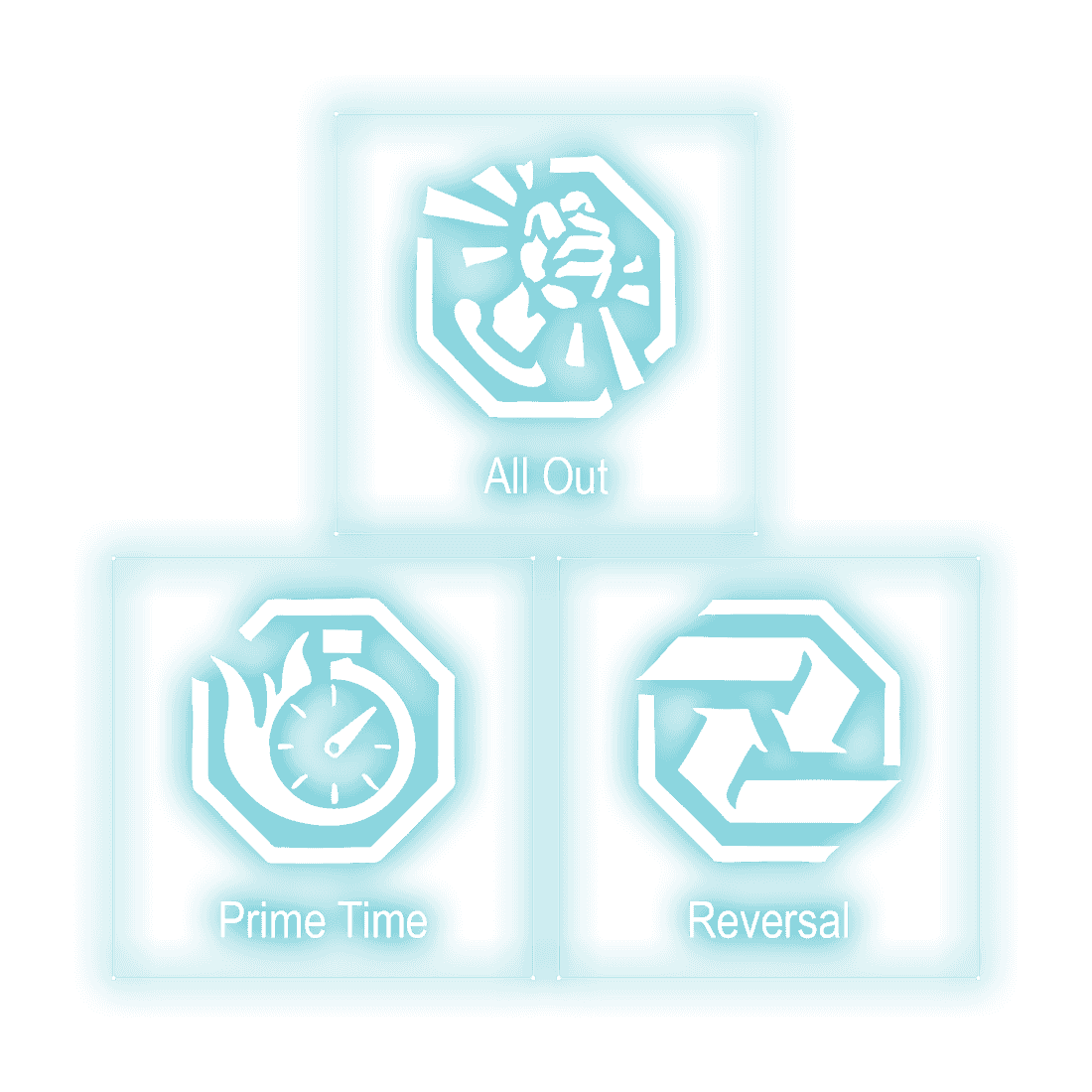
The Division 2 seasonal modifiers change how you approach encounters, and unlocking them is tied to progress through the seasonal journey. This service handles the unlock for the modifier you select, so you can skip the associated Journey mission and get straight to using it.

Whether you're refining a build around a specific modifier or just want the full set available, this covers the unlock step. You'll need a level 40 character, and the relevant Journey mission must be your current step in the seasonal journey.

  • Unlocks your chosen seasonal modifier
  • Requires character level 40
  • Journey mission must be your current step

Requirements

  • Character Level 40. If your characters don't fit the requirements, use our leveling service.
  • The Journey mission that unlocks the selected modifier must be your current step in the seasonal journey. Use our journey mission service to unlock them.

More info

How it works
  • Confirm your character is level 40.
  • Check that the Journey mission for your chosen modifier is your current seasonal step.
  • Select the modifier you want unlocked.
  • We handle the unlock on your account.

How It Works

1
Choose your service
2
Get matched with a top PRO
3
Track your order in real-time
4
Enjoy your rewards!
Instant order processing
In-house PROs
Refunds per policy
VPN protection

Need a Custom Order?

Can't find what you need?

Contact us and we'll find the best deal or create a personalized order for you at a lower price with an immediately contact with PRO player.

Division 2 Modifiers Unlock is listed on D4Realm for Division 2. This page covers the selected offer, its delivery requirements and the timing shown for it. The listing currently starts at $0.99.

Before you order Division 2 Modifiers Unlock

These are the prerequisites for this service. If one is missing, the order has to wait:

  • Character Level 40. If your characters don't fit the requirements, use our leveling service . The Journey mission that unlocks the selected modifier must be your current step in the seasonal journey. Use our journey mission service to unlock them.
How Division 2 Modifiers Unlock is delivered

Delivery arrangements depend on the selected offer. Review the product description and available options for the applicable method.

If the method or requirements are not stated, confirm them with support before ordering.

Timing

Estimated start: 10-15 min. Estimated completion: Flexible. Both figures belong to this specific service, not to the site as a whole.

Account safety
  • Read the selected offer and its requirements before ordering. Contact support if a delivery detail is not specified.
  • Keep the order number for support, and confirm any requested access through the order conversation before sharing credentials.
Related services

Players who order this usually look at Toxic Dark Zone, Rushdown, Ortiz Reficere Gear Set as well, since those cover a different objective in the same game.

Questions about this service

How is this offer delivered?

Use the method stated in the selected offer. If it is not specified, confirm it with support before ordering.

What do I need before ordering?

Check the product description and selected options for account, character, platform and content requirements. Ask support about anything not specified.

When will delivery start and finish?

Use the estimates shown for this offer and confirm availability with support. Timing depends on the selected service and requirements.

Where can I ask about my order?

Keep the order number and contact support through the site. Refund requests follow the published refund policy.